
Marine Camera Compatibility: ONVIF vs Proprietary Chartplotters
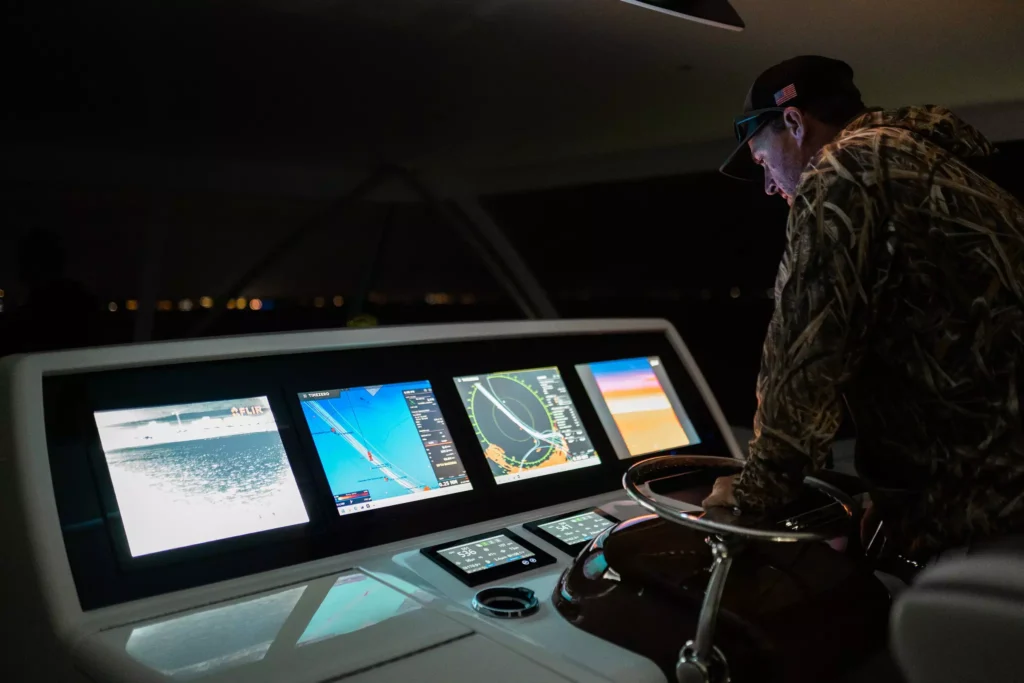
Marine camera chartplotter compatibility is the question to settle before you spend anything, because a thermal camera that your displays cannot show is an expensive bracket. Marine cameras connect either through an open standard such as ONVIF, which many displays understand, or through a proprietary integration built for one manufacturer’s ecosystem. This guide explains the difference, shows how to check your setup, and covers what to do if your camera and plotter do not match.
New to marine night vision? Start with our guide to choosing a marine night vision camera, or browse the marine camera range.
How marine cameras connect to your displays
A fixed or steerable marine camera has to send video somewhere. That destination is usually your multifunction display, the chartplotter at the helm, though it can also be a dedicated monitor.
Older installations used analogue video over coaxial cable, which was simple and nearly universal but low resolution. Modern cameras are IP devices: they sit on the boat’s Ethernet network and stream digital video, often over a single cable that also carries power. The upside is quality and control. The complication is that a networked camera and a networked display have to agree on a protocol before anything appears on screen, and that protocol is either open or proprietary.
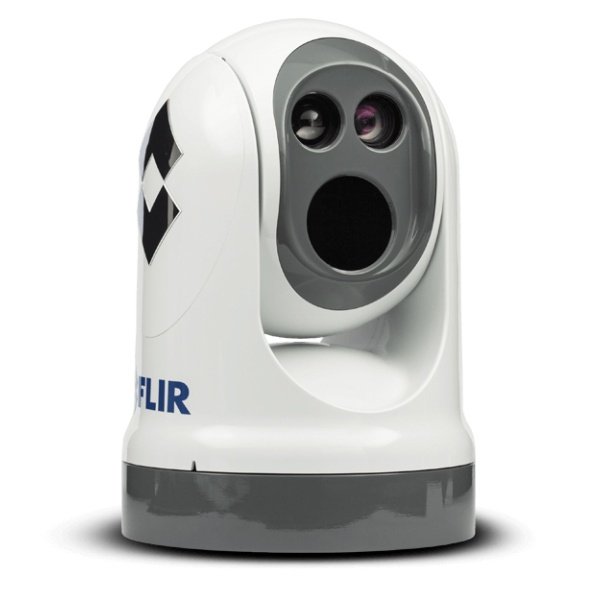
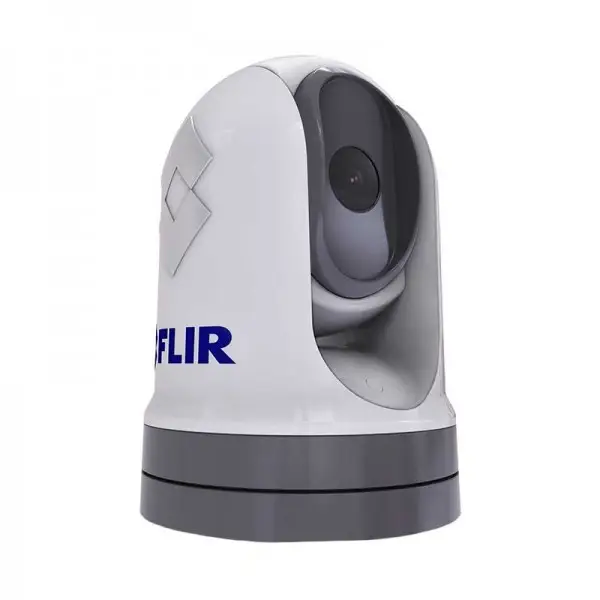
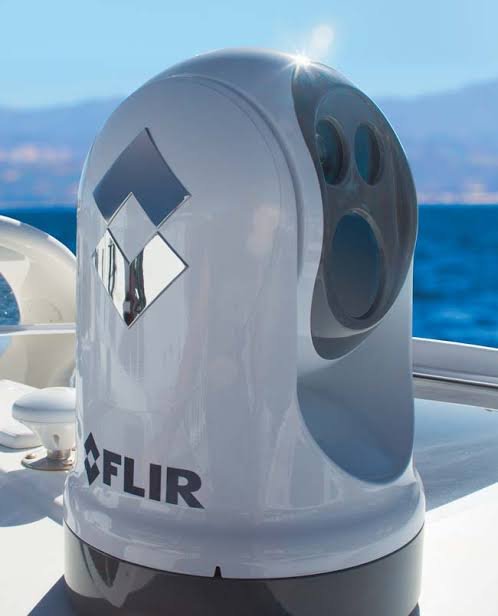
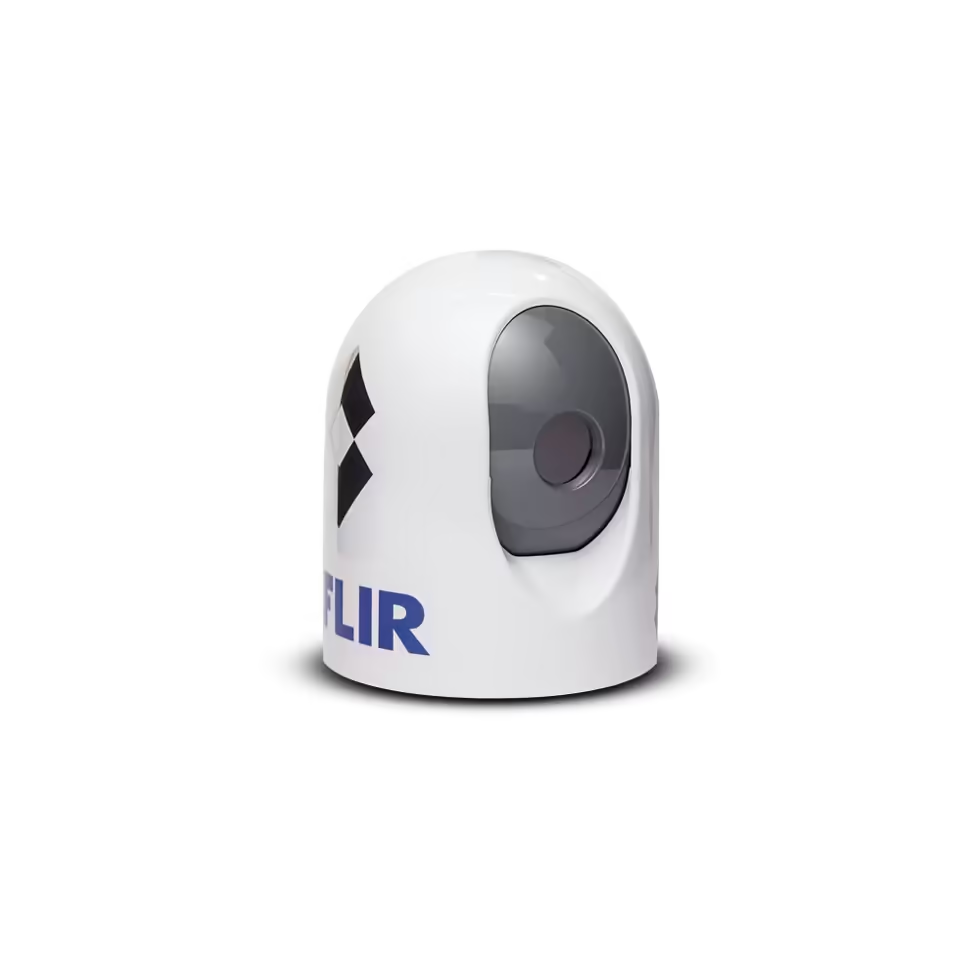
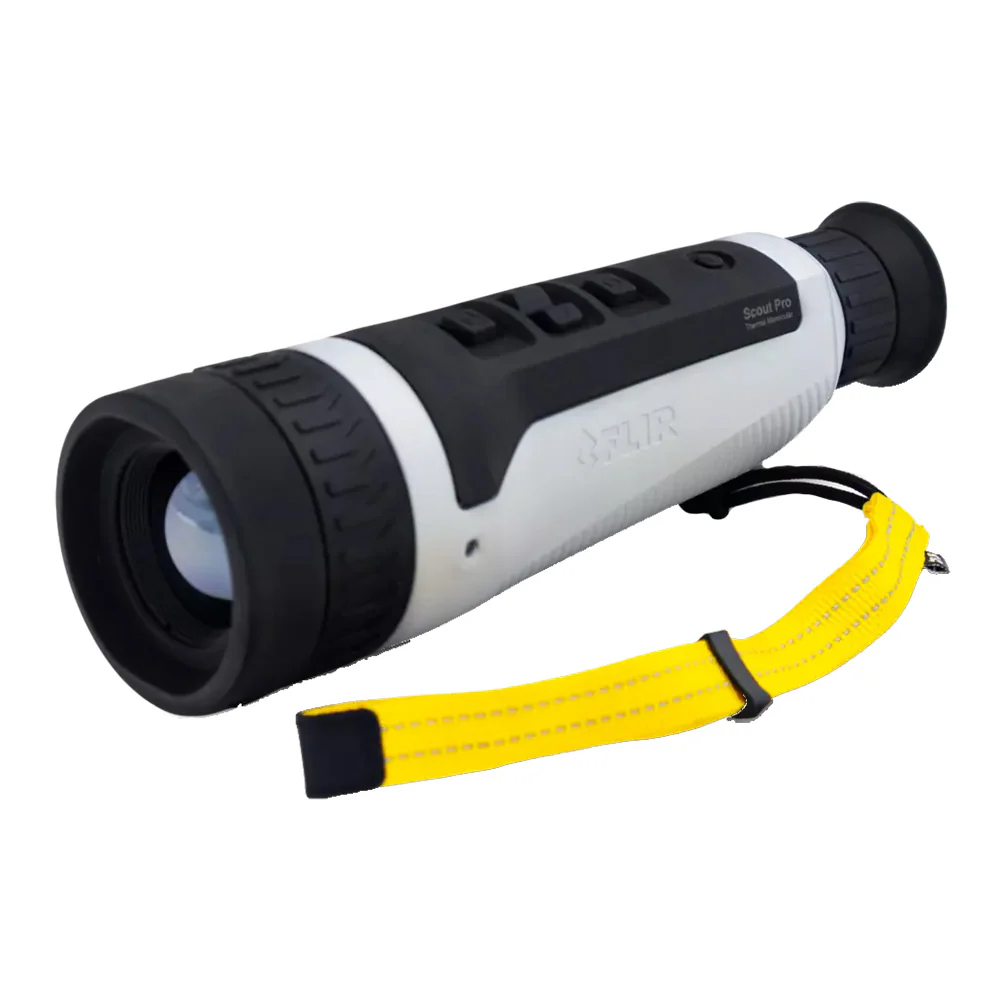
Understanding which protocol your camera uses is the key to marine camera chartplotter compatibility. It applies equally to a compact fixed unit like the MD Series, a steerable M-Series, and a multi-spectrum M364C, since all three are network devices. The one category it does not affect is handhelds: a FLIR Ocean Scout Pro has its own screen and connects to nothing, which is part of its appeal as a backup.
Proprietary ecosystems and what lock-in costs you
Each major marine electronics manufacturer builds an ecosystem intended to work best with its hardware. Raymarine, Garmin, and the Navico brands, which include Simrad, B&G, and Lowrance, all handle camera integration in their own way.
Inside a single ecosystem, the system works beautifully. Camera control appears on the plotter, the picture-in-picture behaves properly, pan and tilt run from the touchscreen, and setup is nearly plug-and- play. There is a real argument for staying within one brand if you are buying displays and cameras together.
The cost appears later. A camera built around one manufacturer’s integration may offer reduced function, or none, on a rival’s display. That does two things. It restricts which camera you can buy today, based on the plotter you already own. And it quietly constrains your next display purchase, because replacing the plotter with a different brand may strand a working camera. For a boat that changes hands or an owner who upgrades electronics piecemeal over a decade, that lock-in has genuine value attached to it.
ONVIF and open IP standards
ONVIF is an open industry standard for IP video, developed originally for security systems and now widely supported in marine equipment. A camera supporting ONVIF, in particular Profile S for video streaming, presents its feed in a documented way that any ONVIF-capable receiver can consume, regardless of the badge on the front.
For a boat owner, the ONVIF standard is the route to keeping your options open. An ONVIF marine camera is far more likely to work with the display already at your helm, and it does not tie your next plotter purchase to a single manufacturer. Many FLIR marine cameras stream over IP with ONVIF support, which is a large part of why they integrate across a broad range of chartplotters rather than a single family. You can read the standard’s own documentation at onvif.org.
Two caveats, stated plainly. ONVIF support guarantees that video will stream, not that every advanced function will be available; camera control features are the ones most likely to be limited across brands. And support varies by profile and firmware version, so “ONVIF compatible” on a spec sheet is a starting point for the conversation rather than the end of it.
Open versus proprietary at a glance
| ONVIF / open IP | Proprietary integration | |
|---|---|---|
| Works across display brands | Usually | Often limited or none |
| Full camera control on screen | Sometimes limited | Typically complete |
| Ties your next plotter purchase | No | Frequently |
| Setup complexity | Moderate | Usually the simplest |
| Resale flexibility | Strong | Weaker |
Products by Category
Analogue, IP, and network video explained
Three connection types cover almost every marine camera in service.
Analog composite video. The legacy approach sends a standard video signal down coaxial cable to a video input on a display or monitor. It is close to universal and very simple, and the picture quality is limited by the format rather than the camera. Many older chartplotters accept it, and it remains a practical fallback.
Proprietary IP integration. The camera joins the boat’s Ethernet network and speaks a manufacturer-specific protocol that its displays understand natively. Setup is usually the simplest of the three and on-screen control the most complete, provided you stay inside that ecosystem.
Open IP streaming via ONVIF. The camera again sits on the network but presents its video in the documented ONVIF format that a wide range of equipment can receive. An ONVIF marine camera is the option that travels best between display brands.
Alongside the video path, most installations also carry NMEA 2000 or NMEA 0183 data for things like slew-to-cue, where the camera automatically points at a radar or AIS target. That is a separate connection from the video stream and worth confirming independently if the feature matters to you.
What to do if your camera and plotter do not match
Discovering a mismatch is not automatically the end of the plan. There are three routes out, in rough order of cost.
Add a dedicated monitor. The simplest fix. A standalone display fed directly from the camera bypasses the plotter entirely. It costs helm space and means switching your attention between two screens, but it always works and it keeps your existing electronics untouched.
Use a converter or encoder. Depending on the mismatch, a video converter or network encoder can bridge between formats, most commonly turning an analog feed into something a network display accepts, or the reverse. This method suits some combinations and not others, so check the specific pairing rather than assuming.
Update or change the display. Firmware updates sometimes add camera support that was absent at launch, and it costs nothing to check. Replacing the plotter is the expensive answer and only sensible if the display is already due for renewal.
The cheapest route remains checking before you buy, which is why marine camera chartplotter compatibility belongs at the start of the process rather than the end.
How to check compatibility before you buy
Work through this in order, and you will not get caught out.
Start with the display, not the camera. Note the brand, exact model, and current software version of your chartplotter. Software version matters more than owners expect, because firmware updates frequently add, change, or improve camera support.
Establish what video inputs it accepts. It accepts analog composite video, brand-specific IP integration, generic ONVIF streaming, or some combination of these. The manual and the manufacturer’s support pages are the authority here.
Confirm the camera’s output matches at least one of them. If both sides speak ONVIF Profile S, you can be reasonably confident of video. If you need pan, tilt, and zoom control from the plotter rather than a separate joystick unit, verify that specific function rather than assuming it follows.
Please plan the physical installation concurrently. Network cameras need an Ethernet run, often with power over the same cable, and a network switch if your plotter and camera cannot connect directly. On many boats the cable route is the harder problem, not the protocol.
Check marine camera chartplotter compatibility for any second camera you add later. Owners who add a handheld later or a long-range cooled system alongside an existing turret sometimes discover that the second device will not share the same display path.
Decide how much lock-in you are willing to accept. If you intend to stay with one brand of electronics for the life of the boat, proprietary integration is a reasonable trade for tighter control. If you upgrade one component at a time, choose open standards.
If you would rather not work through it alone, send us your plotter make, model, and software version, and we will confirm the fit before you order. It takes a few minutes and removes the only mistake in this category that a bracket cannot fix.
Frequently asked questions
Will any marine camera work with my chartplotter?
No, and this is the most common expensive assumption in the category. The camera and display must share a protocol. A camera supporting the open ONVIF standard works with many displays across brands, while a proprietary camera may function fully only inside one manufacturer’s ecosystem. Confirm against your specific plotter model and software version before buying.
What is ONVIF on a marine camera?
ONVIF is an open standard for IP video. A camera supporting it, especially Profile S, streams video in a documented format that many ONVIF-capable displays can receive regardless of brand. It reduces lock-in and improves the odds of working with the equipment you already own.
Do FLIR marine cameras work with Garmin, Raymarine, or Simrad?
Many FLIR marine cameras stream over IP with ONVIF support, which lets them integrate across a broad range of chartplotters rather than one brand. Exact available functions, particularly on-screen pan and tilt control, depend on your specific display and its firmware. Please provide us with your plotter details, and we will verify compatibility before you place your order.
Can I avoid being locked into one electronics brand?
Largely, yes, by choosing a camera with open ONVIF support rather than one built around a single ecosystem. That keeps the camera usable across a range of displays now and does not force your next plotter to match.
Does ONVIF support mean full camera control from my plotter?
Not necessarily. ONVIF Profile S reliably delivers the video stream, which is the more challenging part, but advanced functions such as pan, tilt, and zoom control from the display can be limited across brands. If you want to steer the camera from the plotter rather than a dedicated joystick unit, confirm that specific capability rather than assuming it comes with the video.
Do I need a separate monitor for a marine thermal camera?
Not usually. Most owners display the feed on an existing chartplotter, which saves helm space and keeps everything on one screen. A dedicated monitor makes sense if your plotter cannot accept the camera’s output, or if you want the thermal image permanently visible alongside your chart rather than switching between them.
Read about cooled versus uncooled cameras and thermal versus low-light, return to the main buying guide, or see the FLIR Marine brand page.